Heritage discovery / Mobile app
Pangasinan Heritage Guide
A pocket guide to Pangasinan, bringing place discovery, local stories, maps, and saved destinations into one mobile experience.
The project,
in perspective.
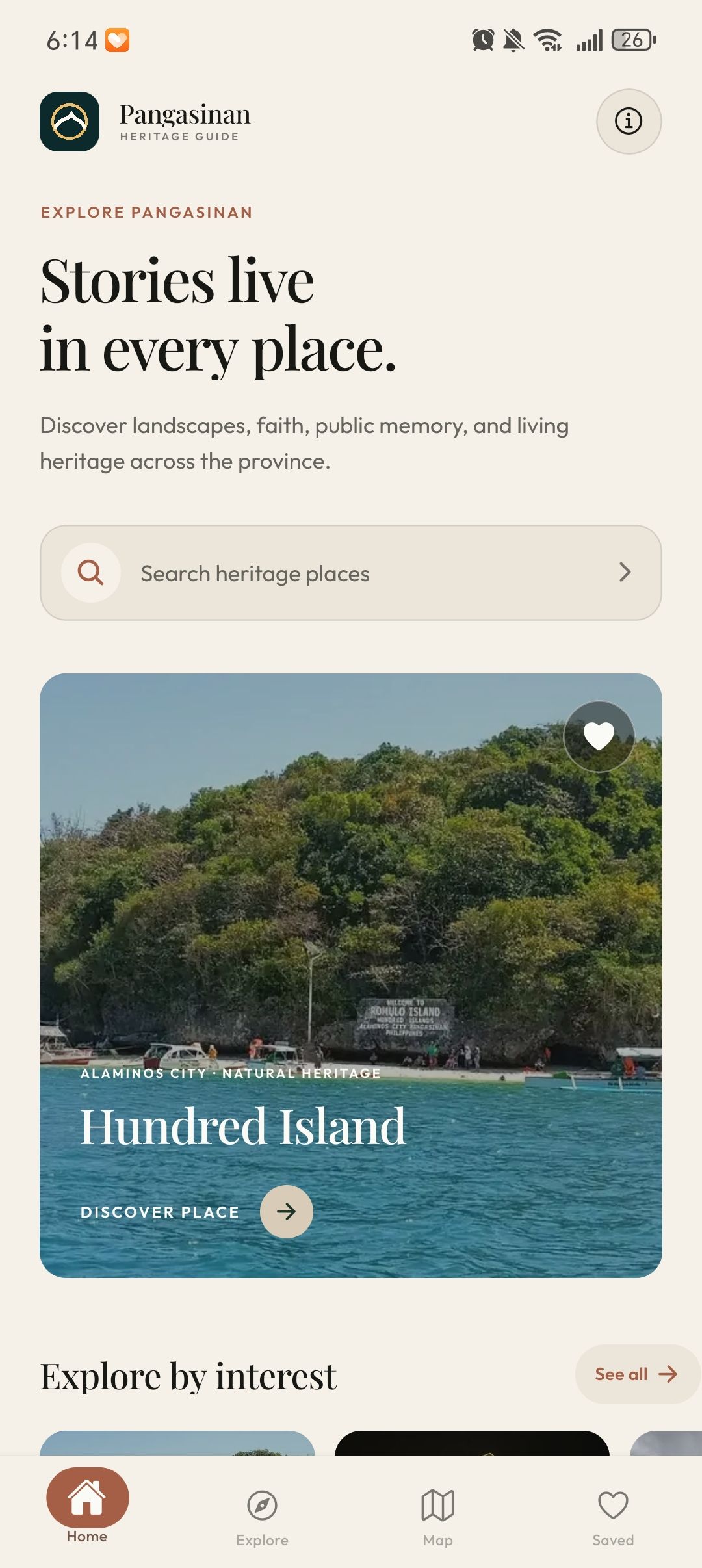
A mobile heritage discovery project for people exploring Pangasinan. The app connects photographic introductions with a searchable collection, practical place information, a map, and saved favorites.
Clarity through
composition.
The design challenge
Bring the richness of a heritage archive to a small screen. Discovery needs to feel inviting, while search, location information, and saved places need clear, repeatable paths.
Visual direction
Expressive serif headings and large destination photographs give the app an editorial character. Cream surfaces, forest green, and terracotta connect the screens; concise labels and a persistent bottom navigation organize the interaction.
03 / Information architecture
A place for every task.
- 01
Home
- 02
Explore
- 03
Map
- 04
Saved
Place-detail views connect the main destinations with stories, classification, location information, directions, sharing controls, and related places.
UI system
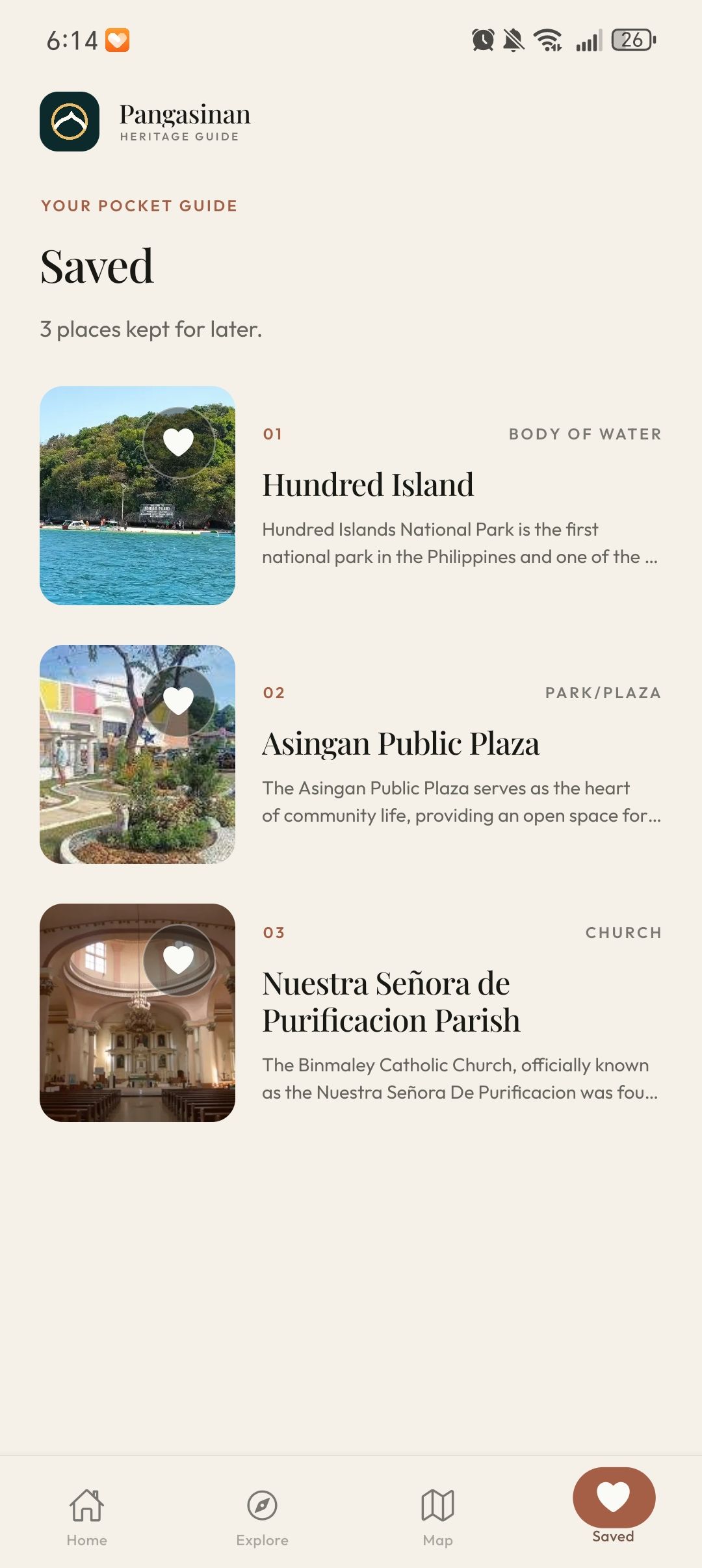
- Photographic destination cards, heart controls, and category chips repeat across discovery and saved views.
- Search results combine compact images, descriptions, classifications, and pagination.
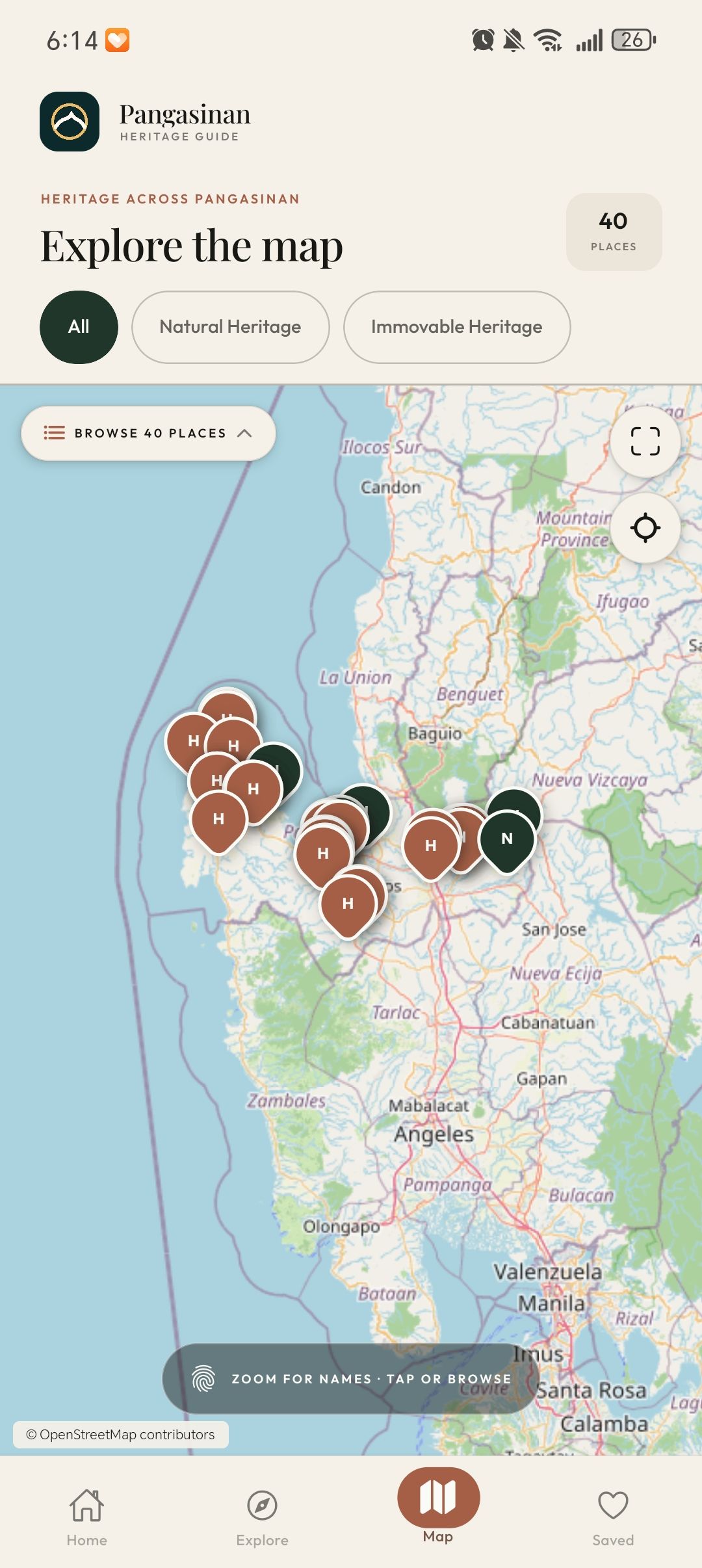
- Map markers connect geographical context to a selected-place card with details and directions.
A province. In your pocket.
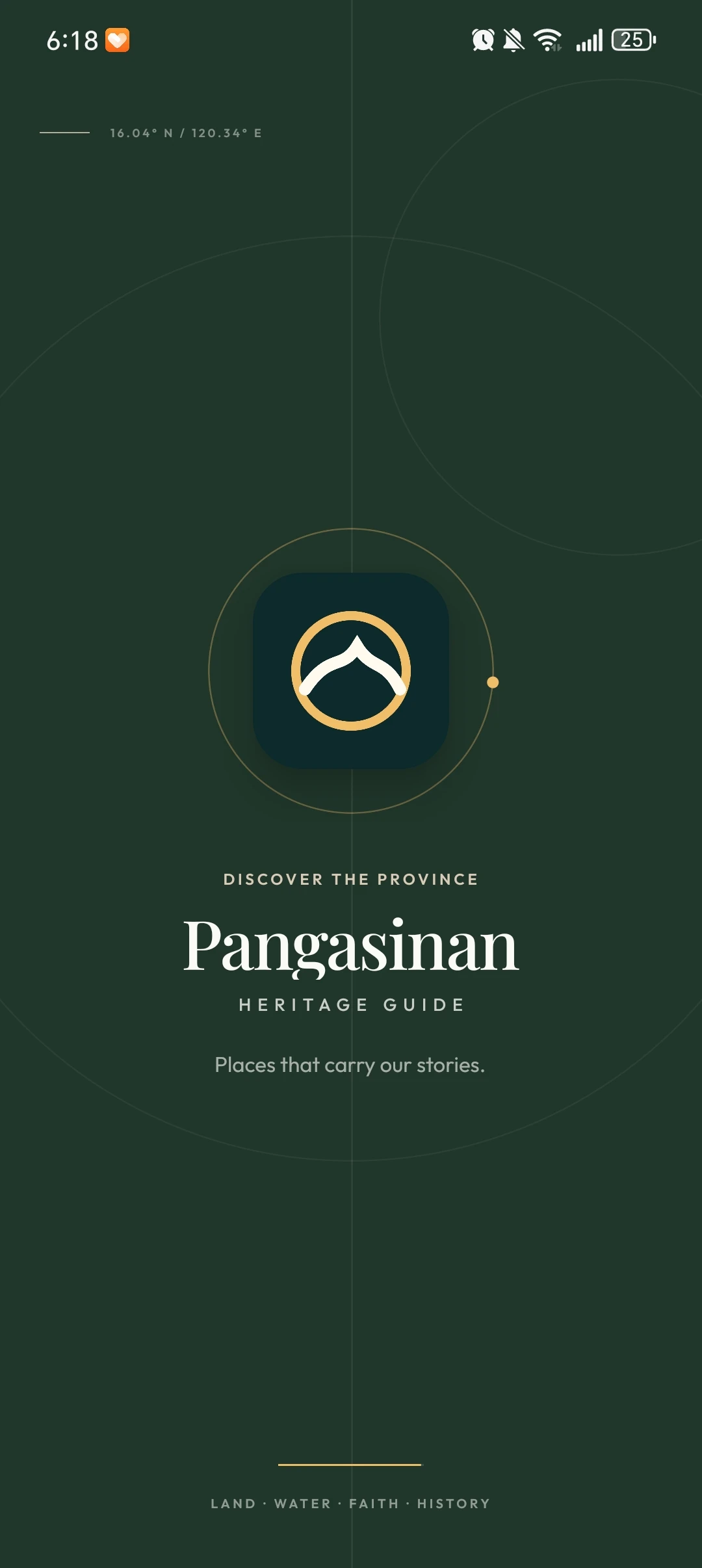
Eleven screens document the mobile interface: opening identity, discovery, search results, place details, maps, and saved destinations. Open any screenshot for a closer look.
A sense of place
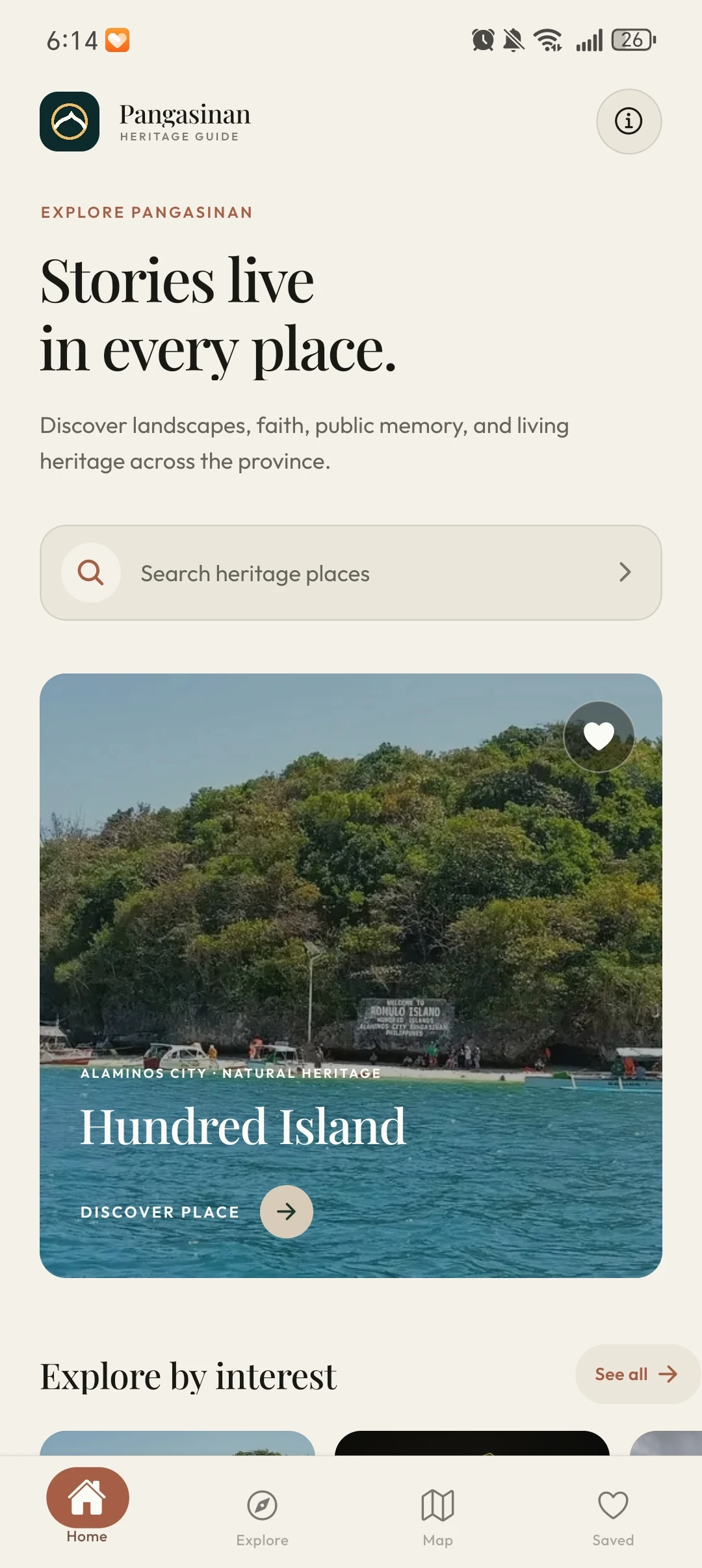
Start with a story
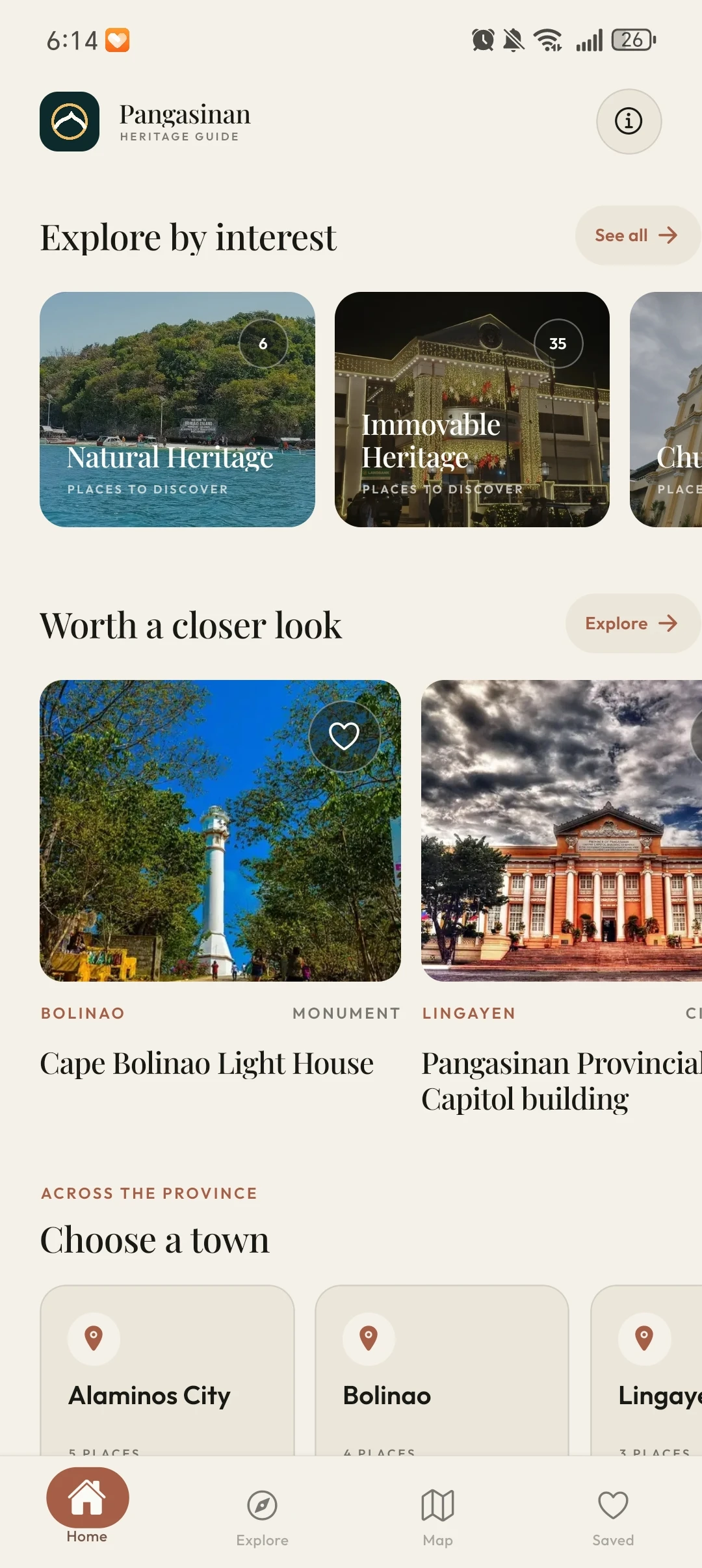
Follow your interests
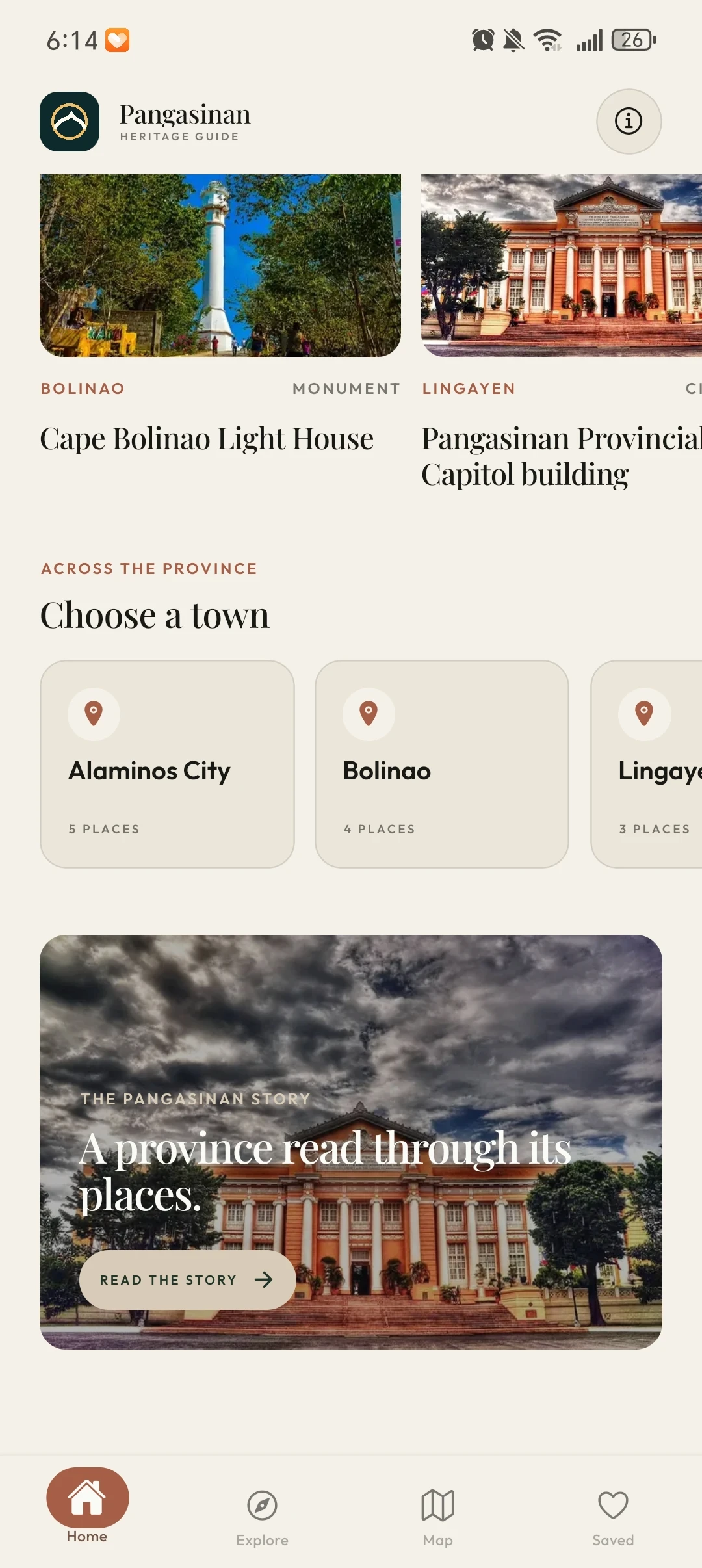
Explore town by town
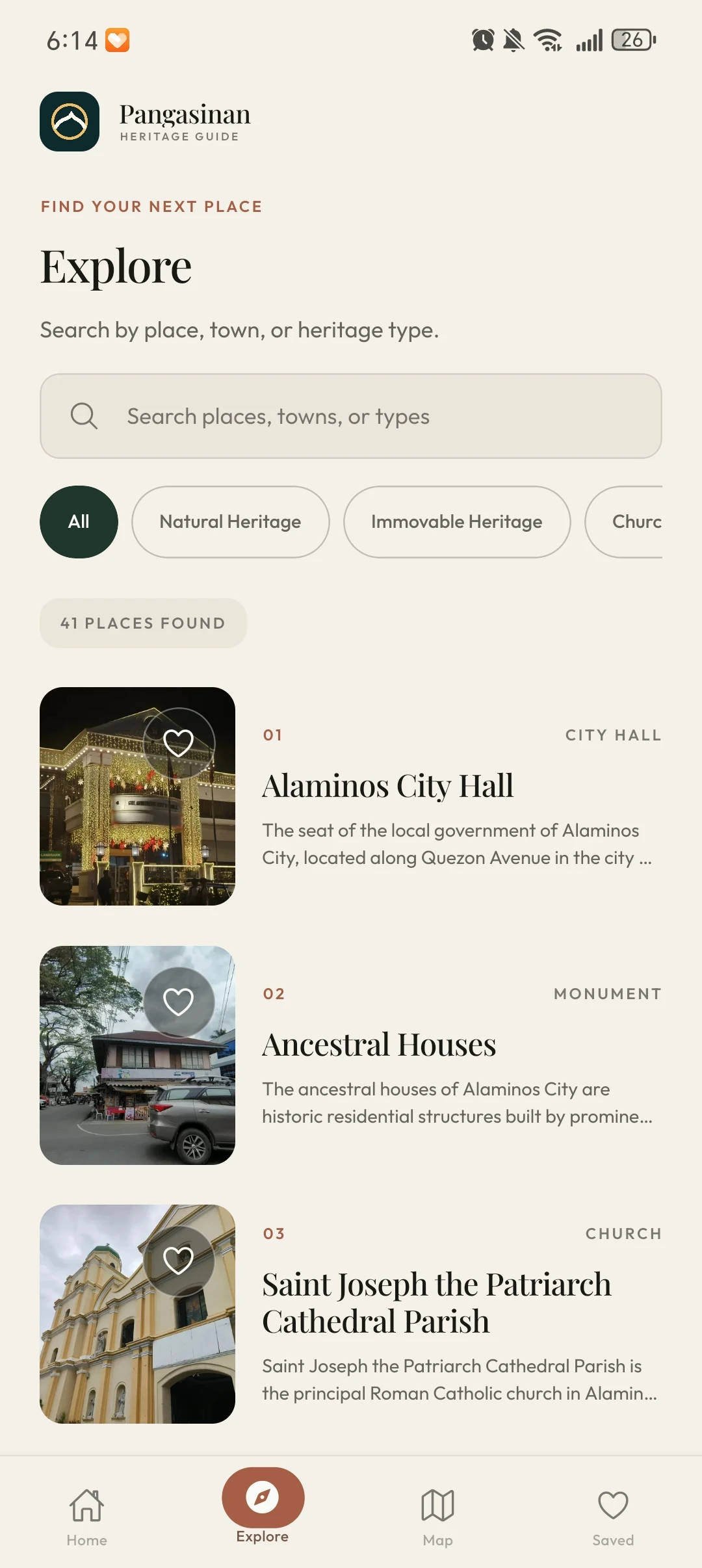
Find your next place
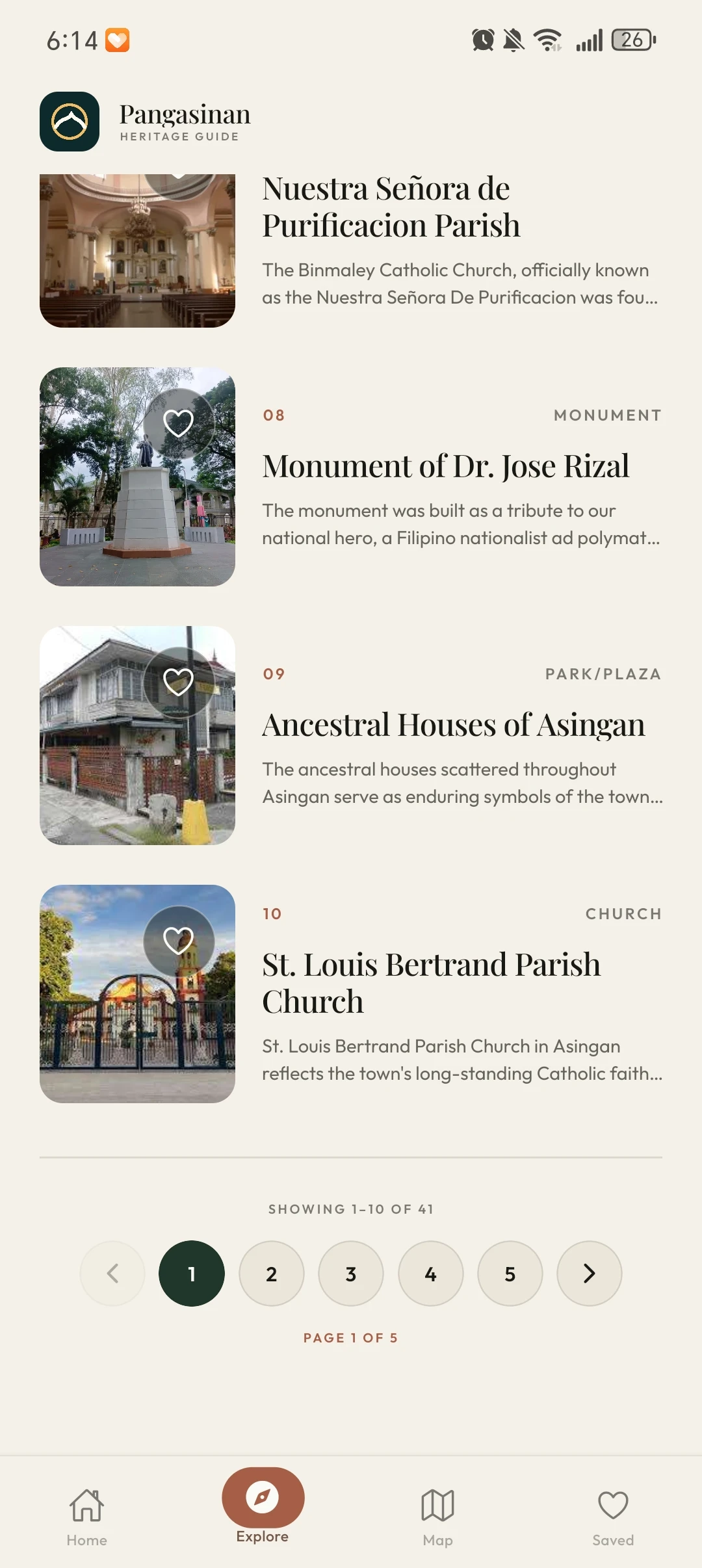
Keep browsing
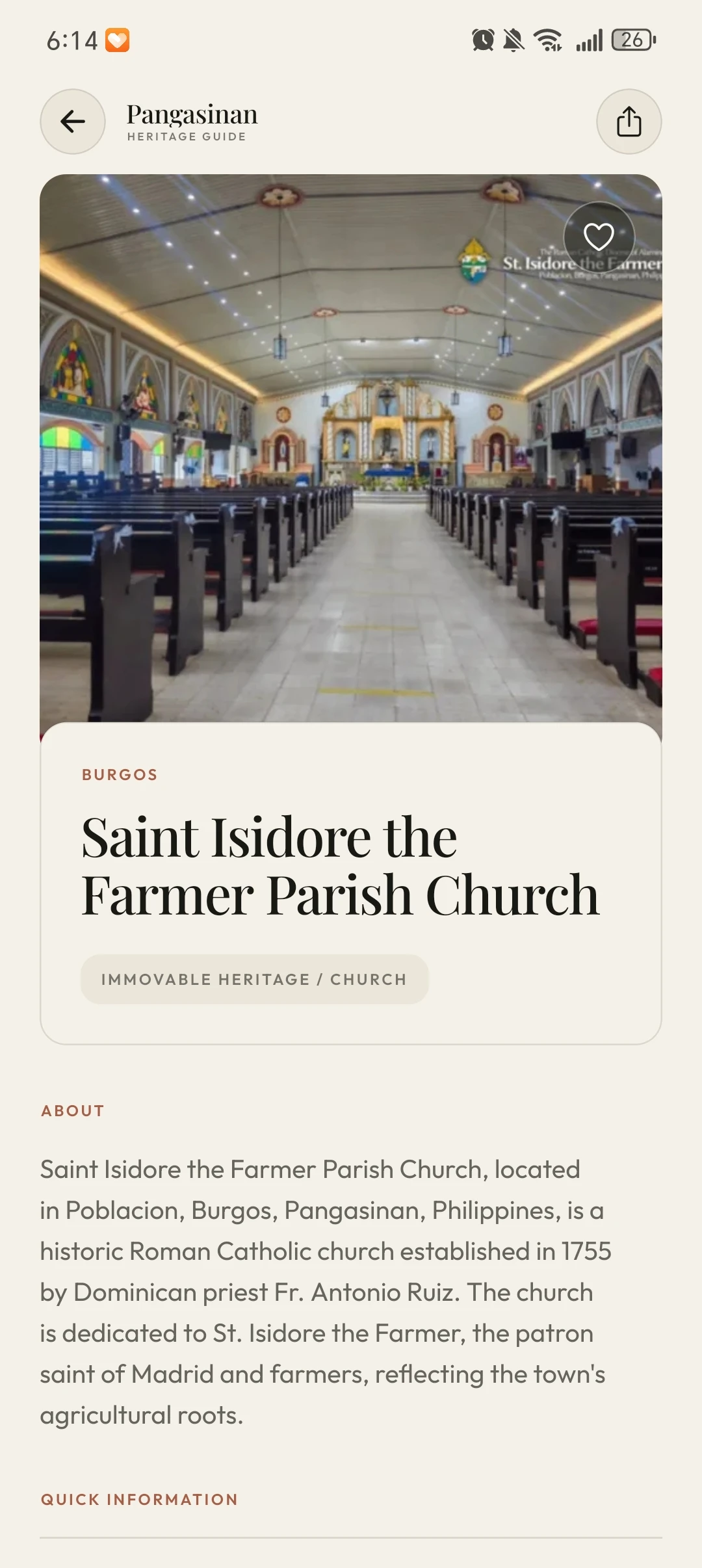
Look a little closer
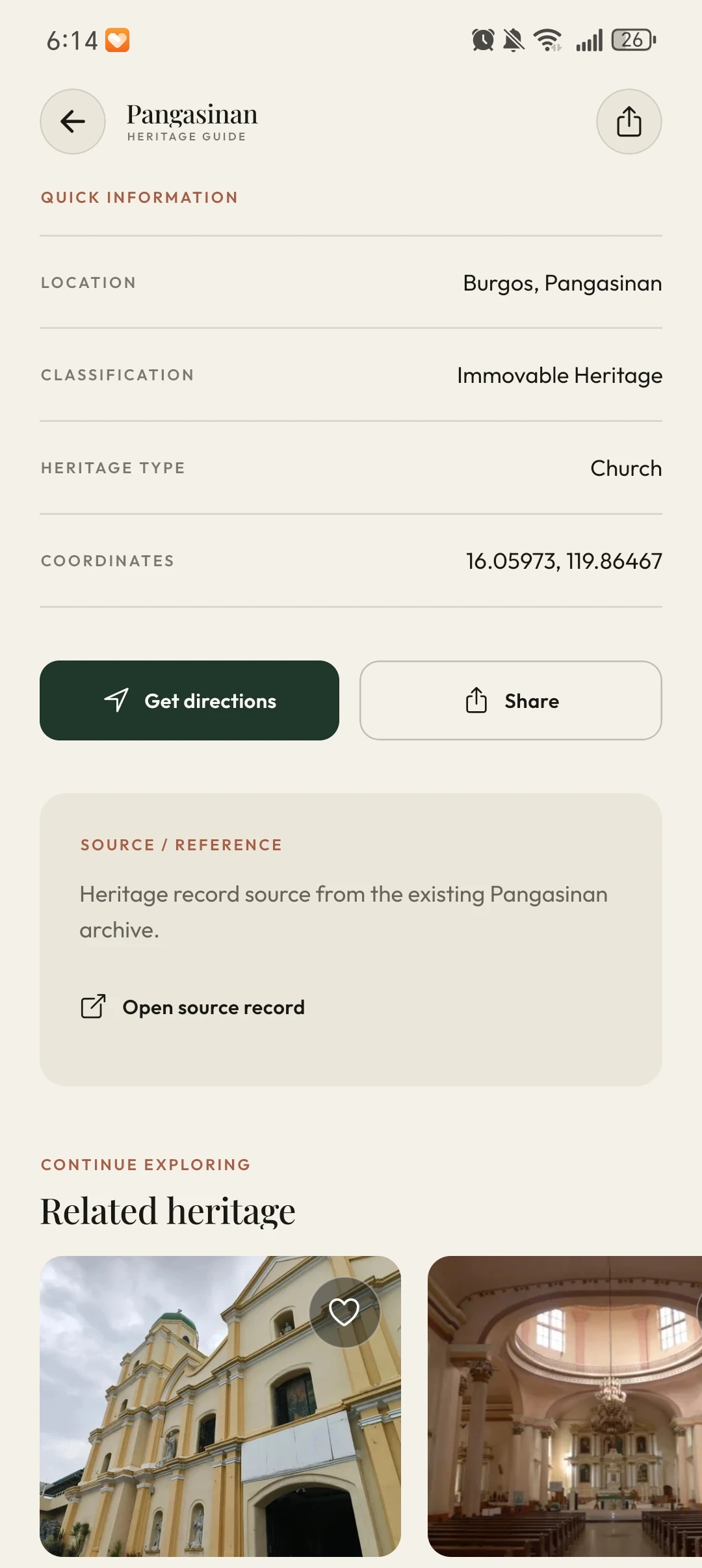
From story to visit
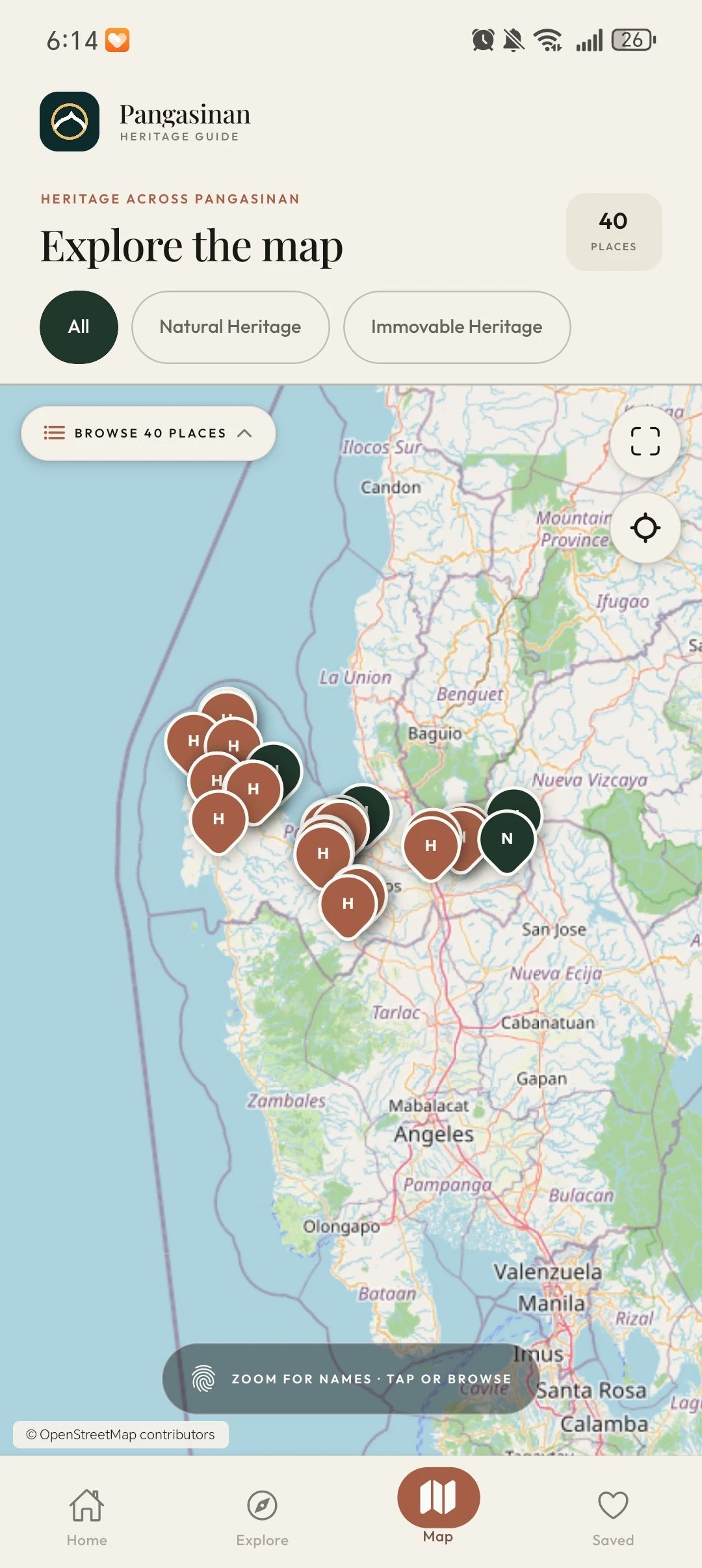
See the bigger picture
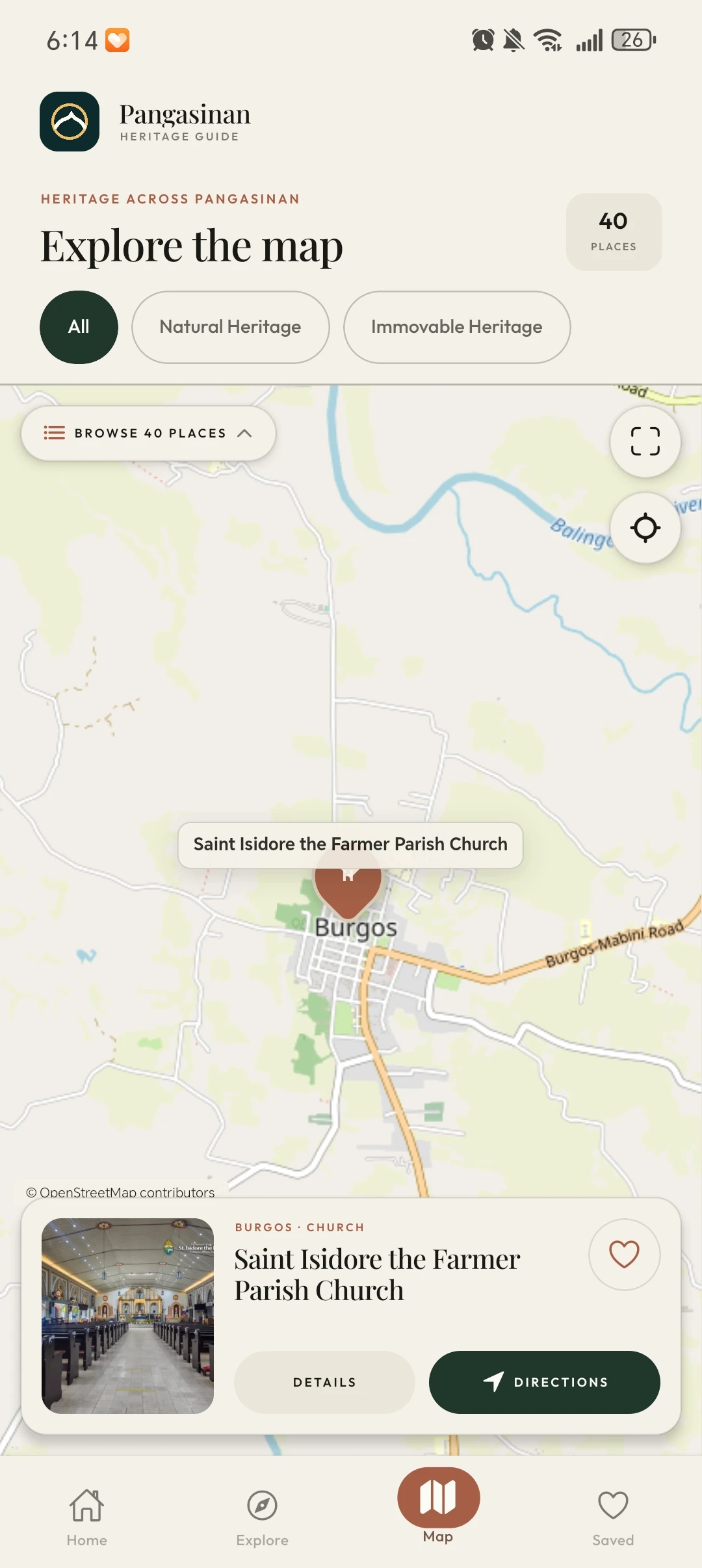
A place on the map
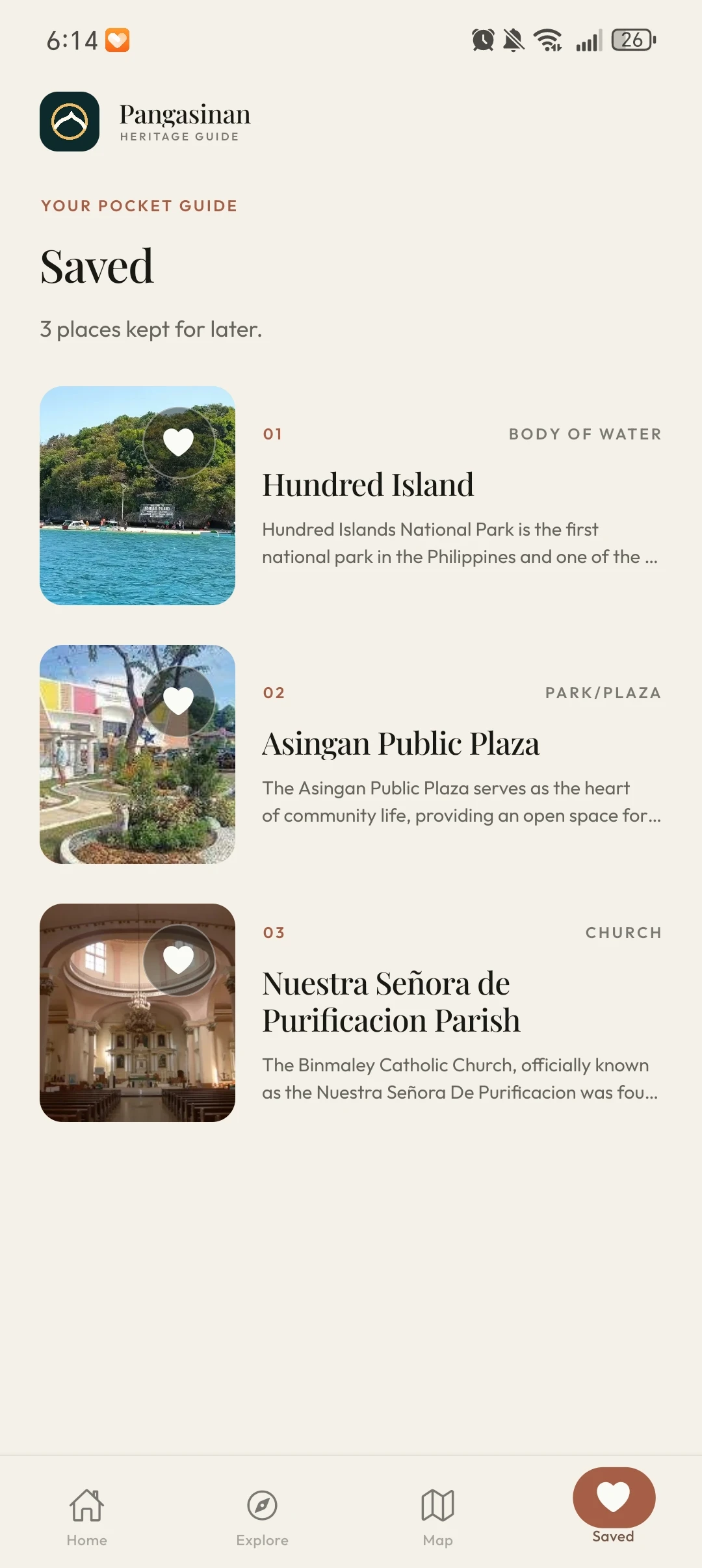
Keep a little collection
From interface
to experience.
Front-end approach
Built with React Native, Expo, and TypeScript. The mobile interface brings destination discovery, place information, maps, and saved favorites together around a persistent four-tab navigation.
Final experience
A consistent Home, Explore, Map, and Saved navigation connects editorial discovery with practical information. The screenshots show both broad map browsing and a selected destination, plus a personal list of saved places.